Guide chapters
On this page3
Tote bags
Use the front of a tote for a bold centered graphic, a short message, or a repeat pattern.
Design ideas for this product
A design people can carry
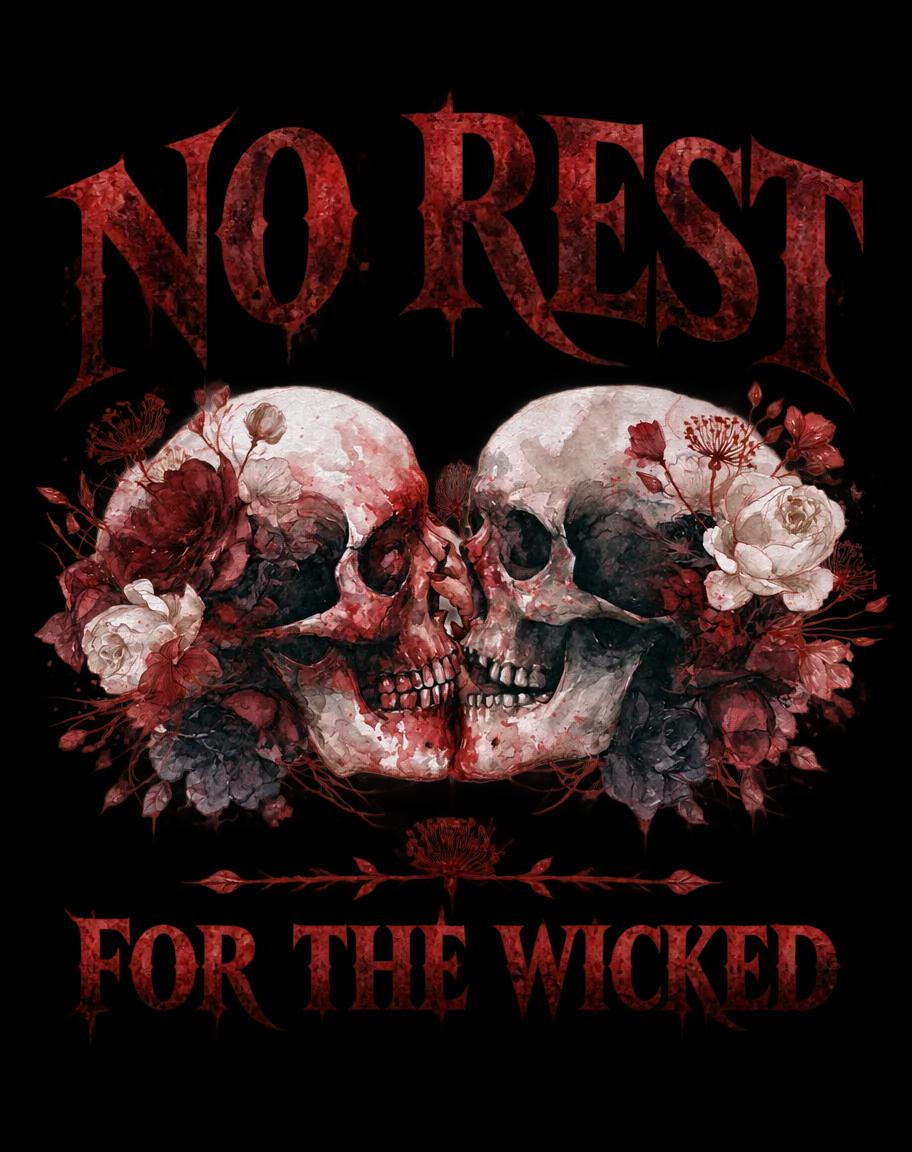
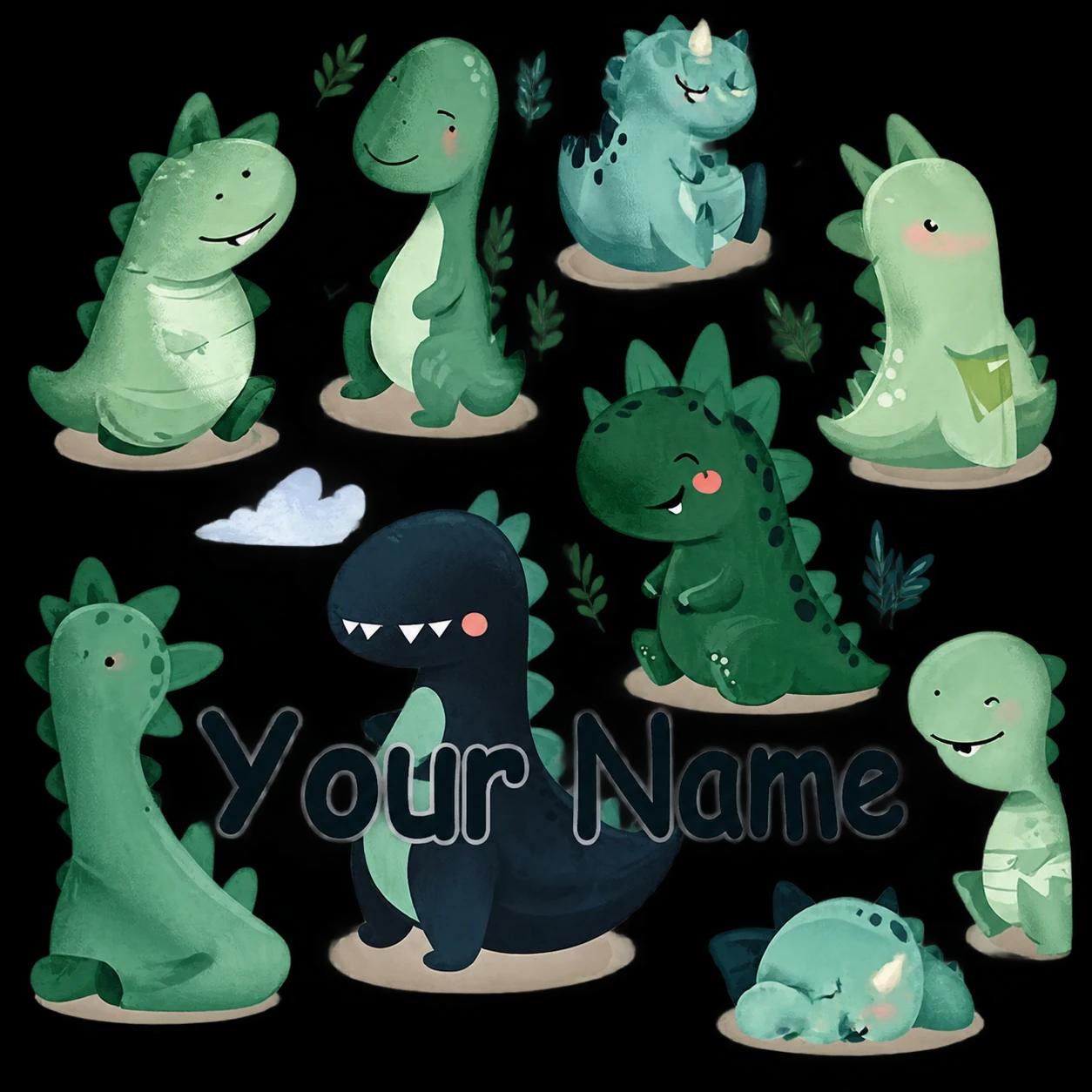
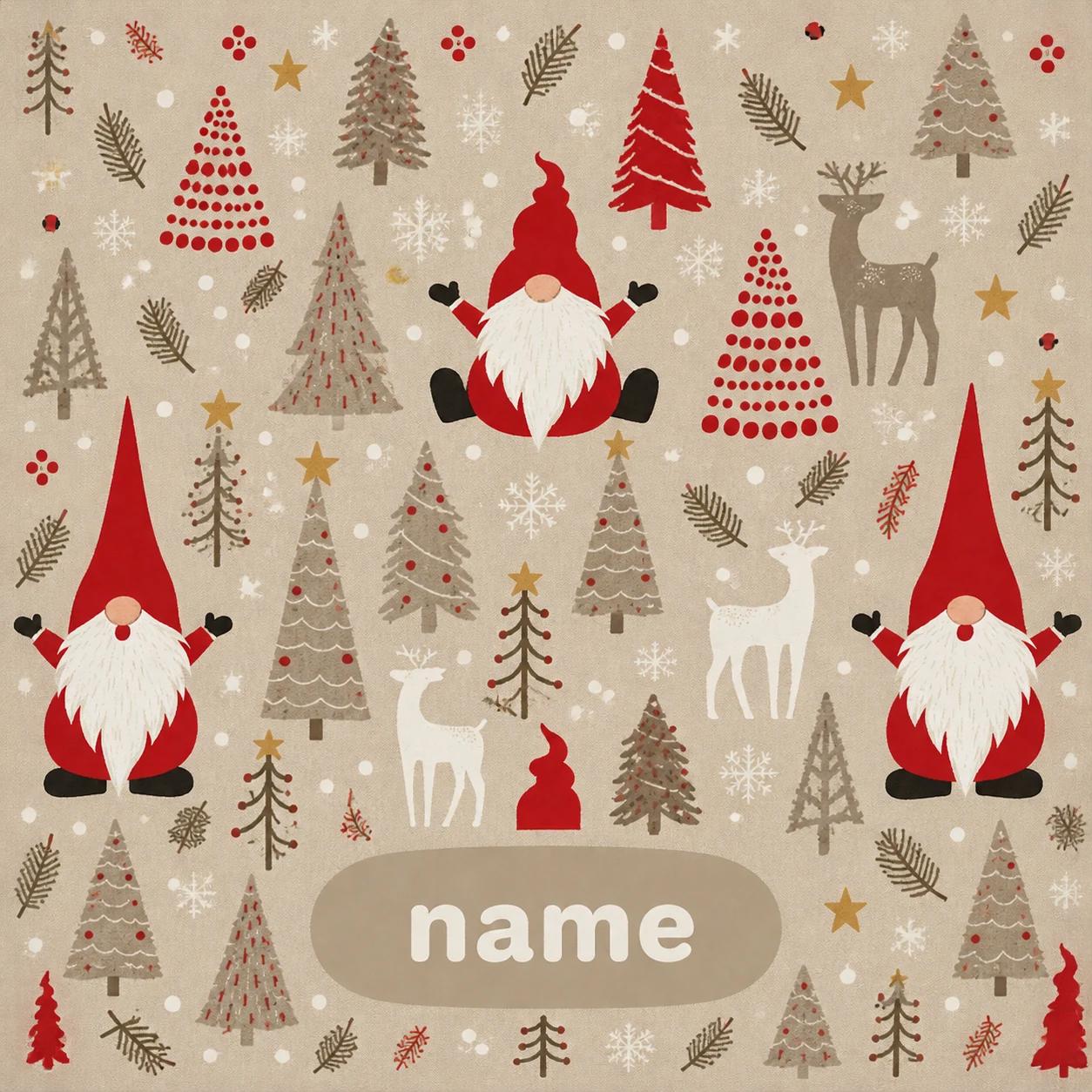
Centered artwork, large lettering, and compact groups of motifs all fit the tote’s broad front panel. A bold centered graphic; A short, readable message; A group of objects from one theme.

One image. Endless possibilities.
Use different Skills to turn the same image into new layouts, photo-based artwork, and personalized designs.
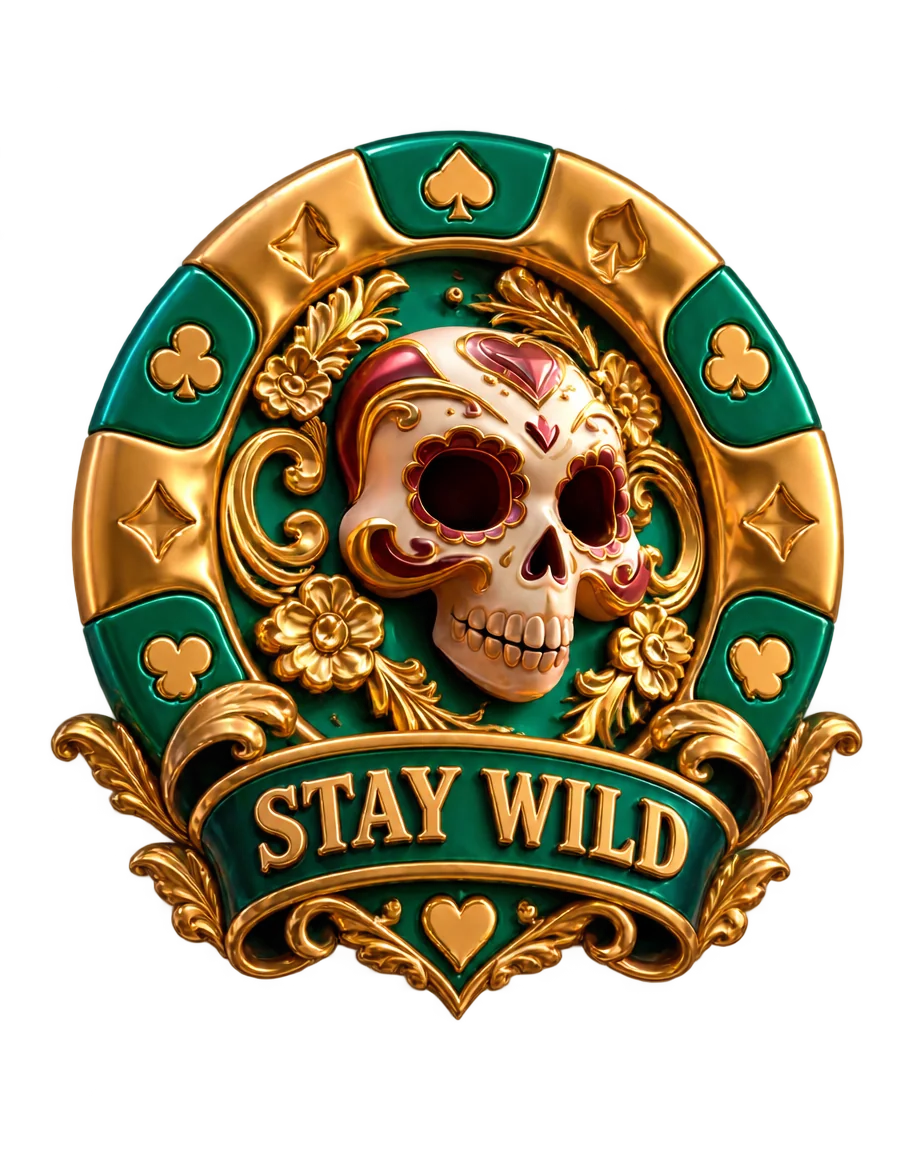
Create a centered tote graphic
Combine the main image and a short message in a compact layout for the front of the bag.
Compact Center Layout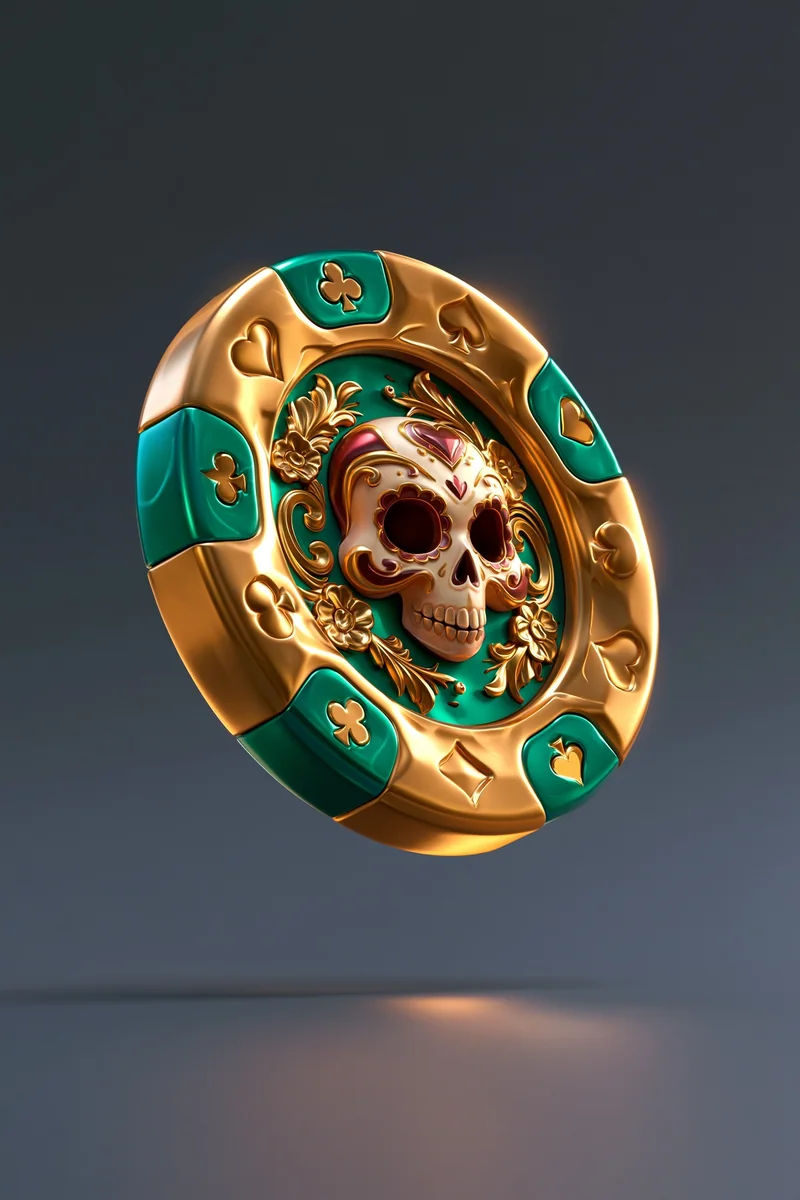
Product preview coming soon
Explore more layout and set Skills
Explore more layout and set Skills
4 / 14

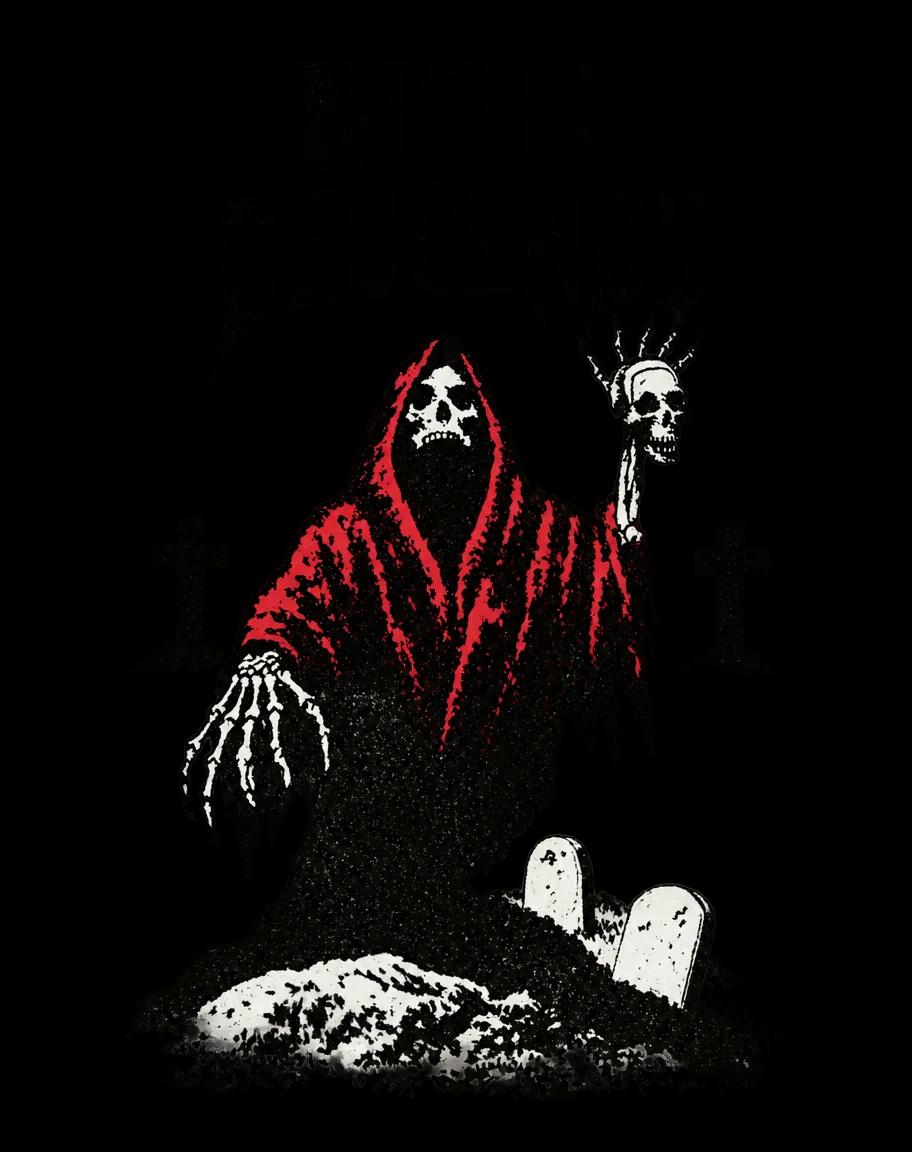
Turn a pet photo into tote artwork
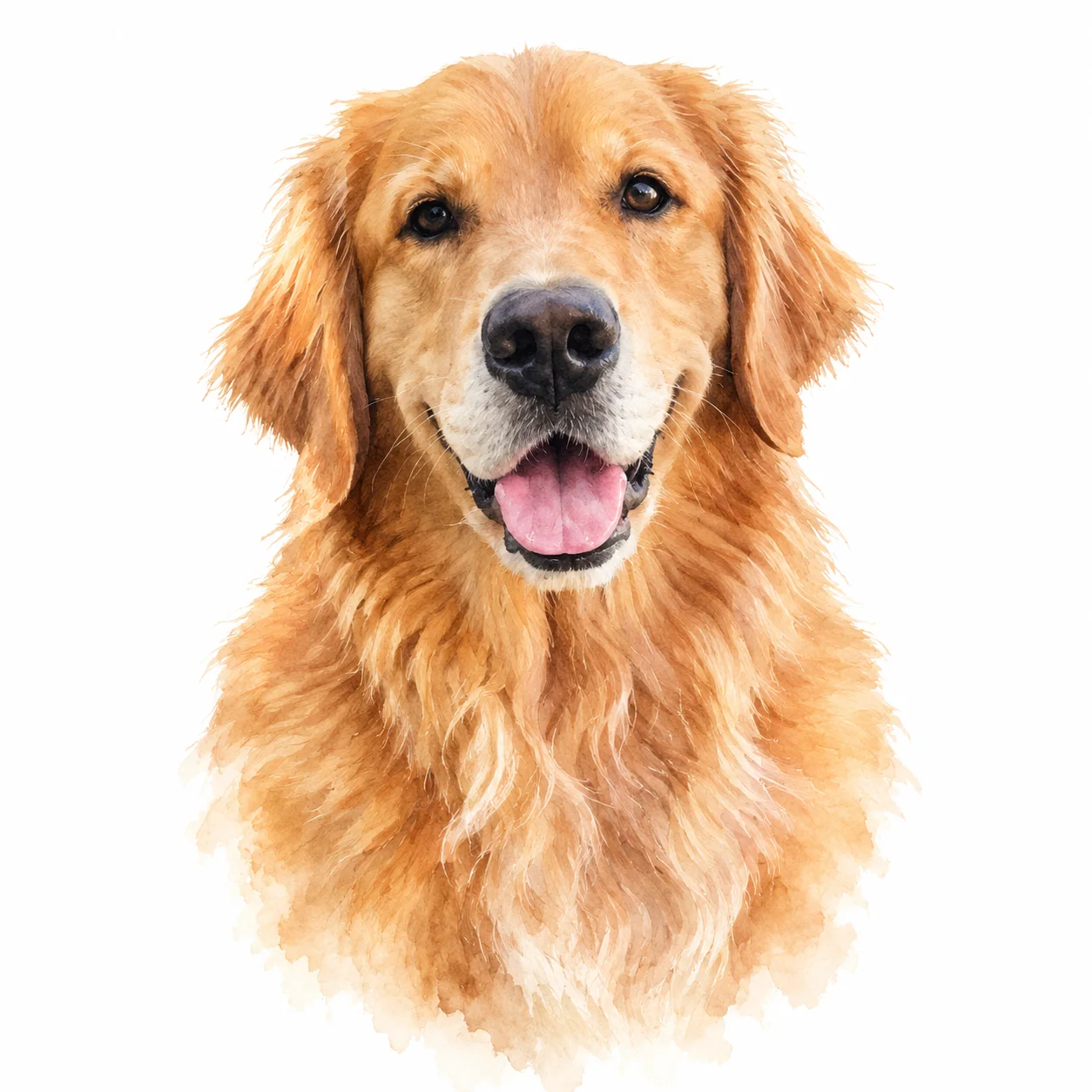
A clear pet photo becomes a watercolor portrait for the tote.
Soft Watercolor Pet Portrait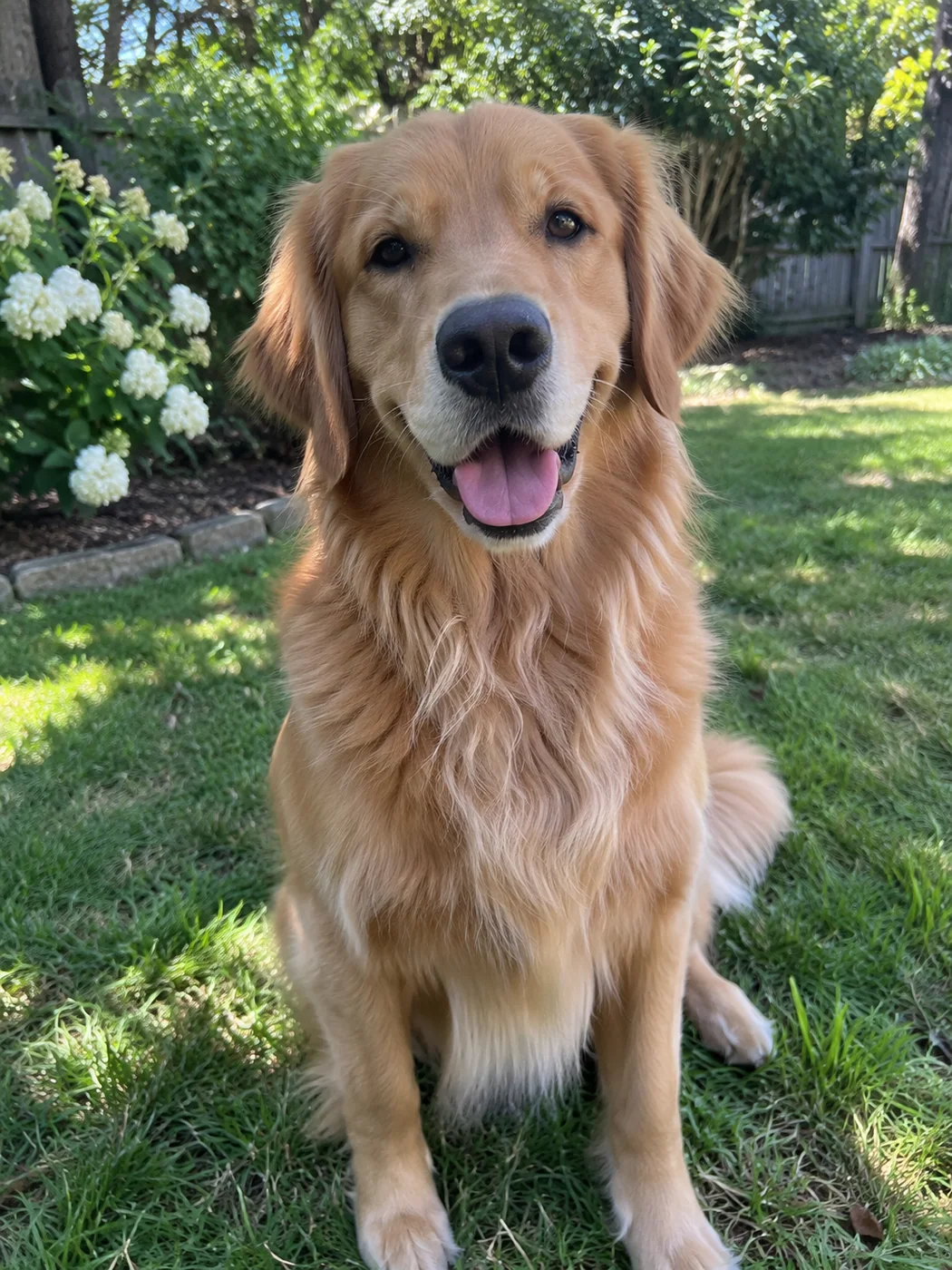
Product preview coming soon
Explore more photo and image Skills
Explore more photo and image Skills
4 / 97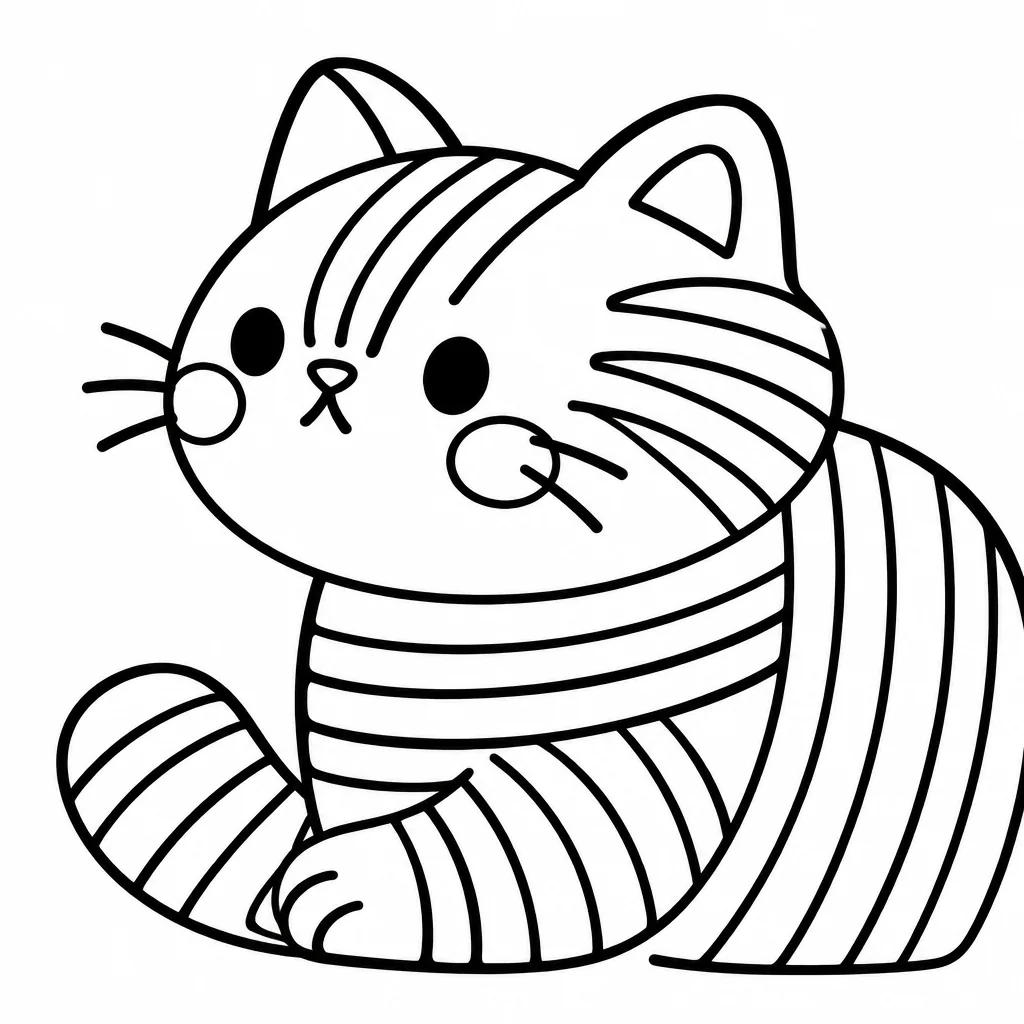


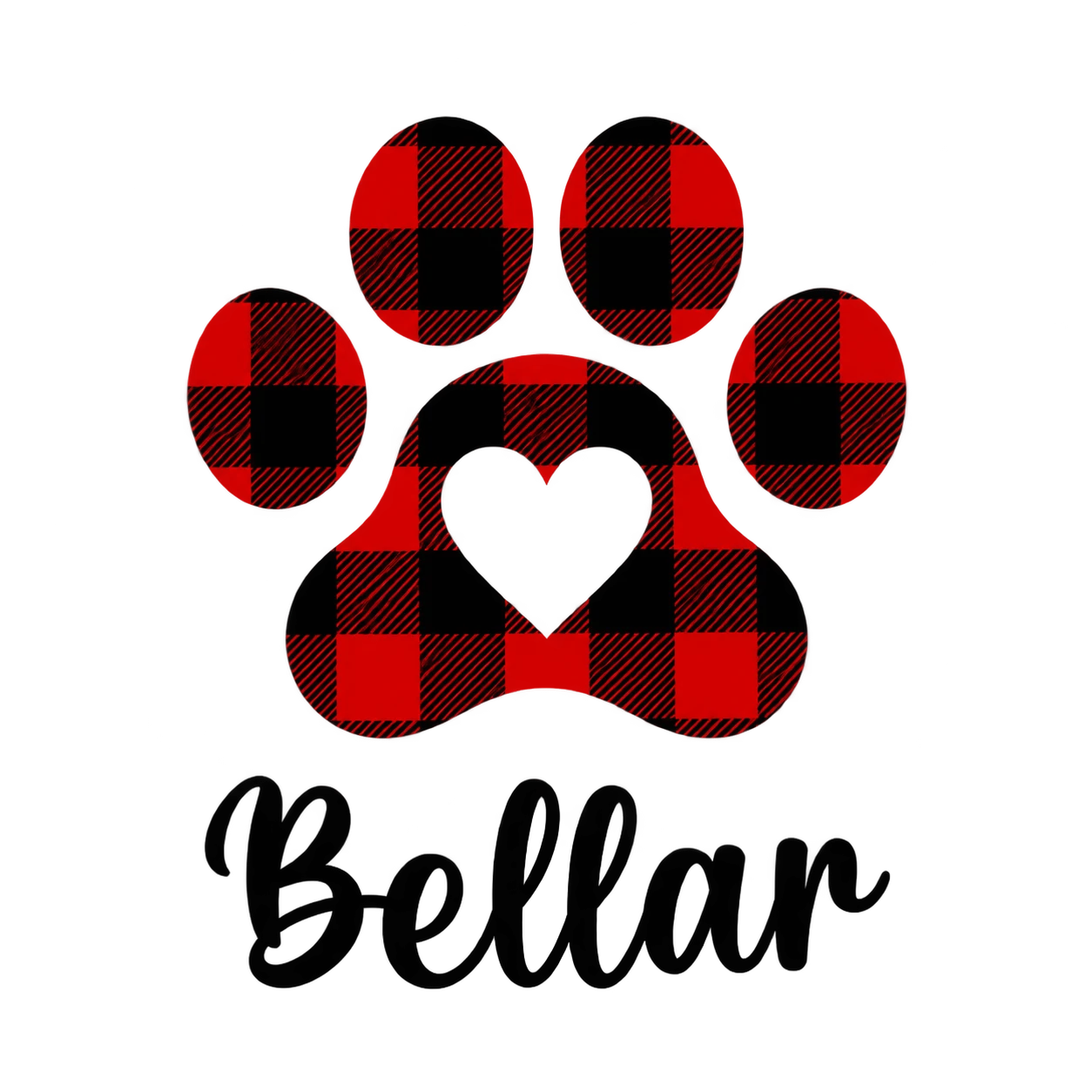
Create a pet name and paw graphic
Pair a pet’s name with a red-and-black plaid paw and heart detail.
Buffalo Plaid Paw NameBellan
Product preview coming soon
Explore more name and occasion Skills
Explore more name and occasion Skills
4 / 19
Preview the design on the product
Preview it on the tote
Use the AI preview to compare a bold statement graphic with a simpler everyday design.
- A centered image creates a balanced layout
- Large type makes the message easy to read
- A smaller motif is easier to pair with different outfits