Guide chapters
On this page4
One image. Endless possibilities.
Remix your images and text with different Skills. Try new layouts and turn one idea into a range of designs.
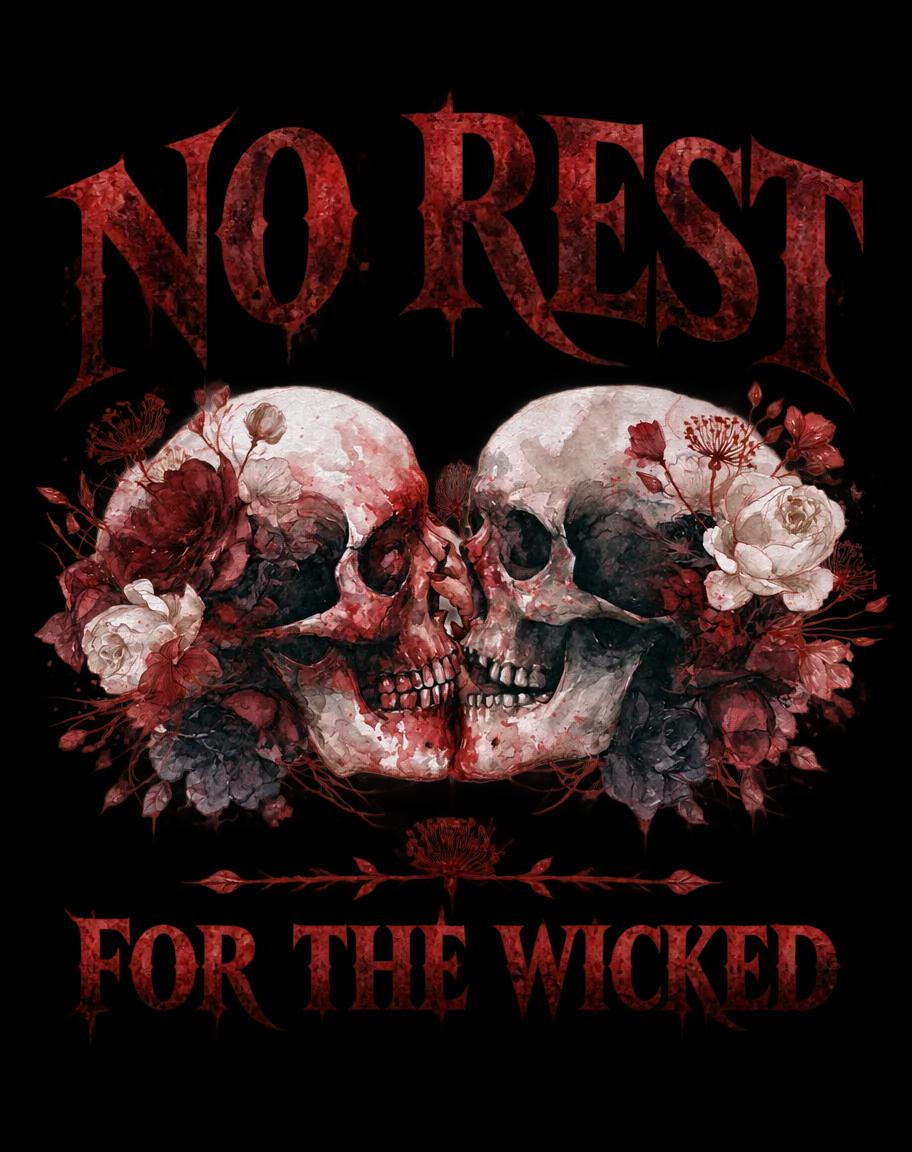
Build a strong centered graphic
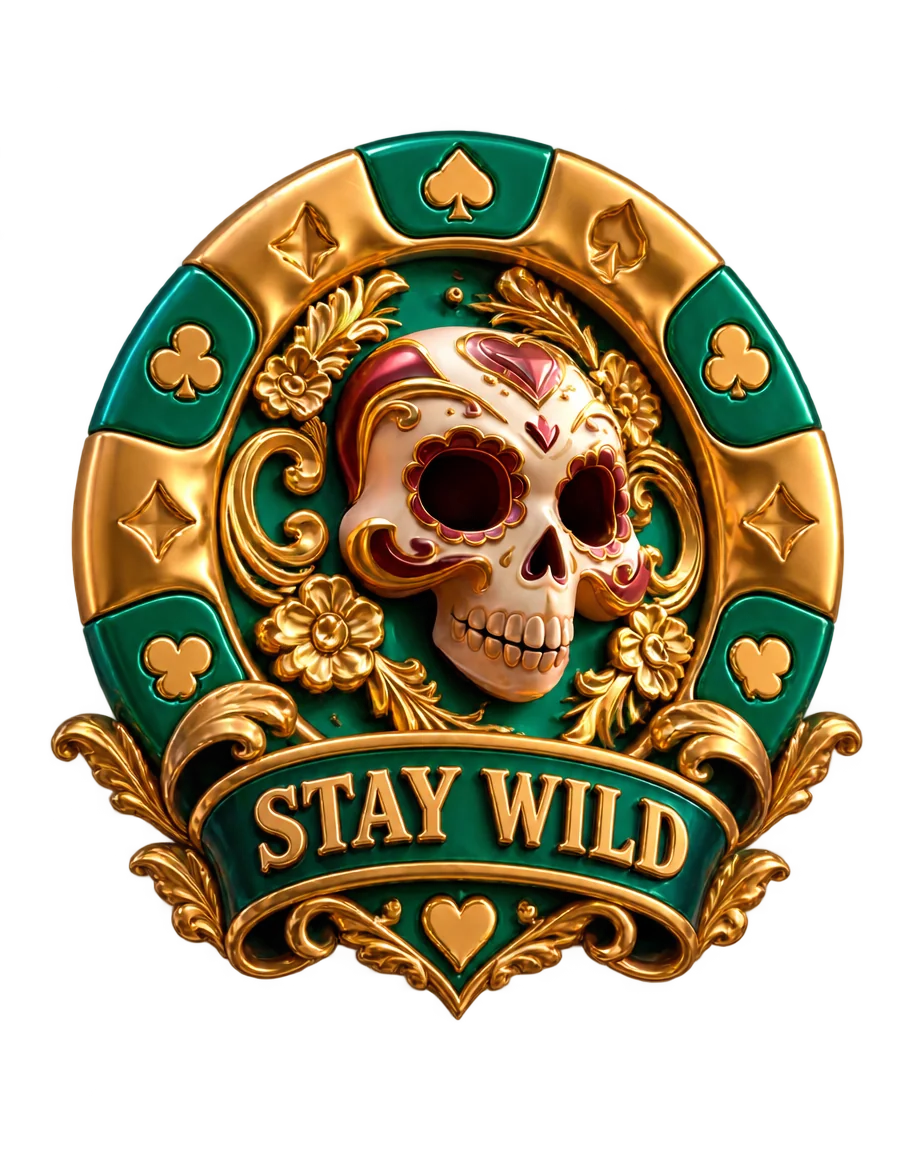
Compact Center Layout combines a recognizable subject and copy in one bold centered graphic.
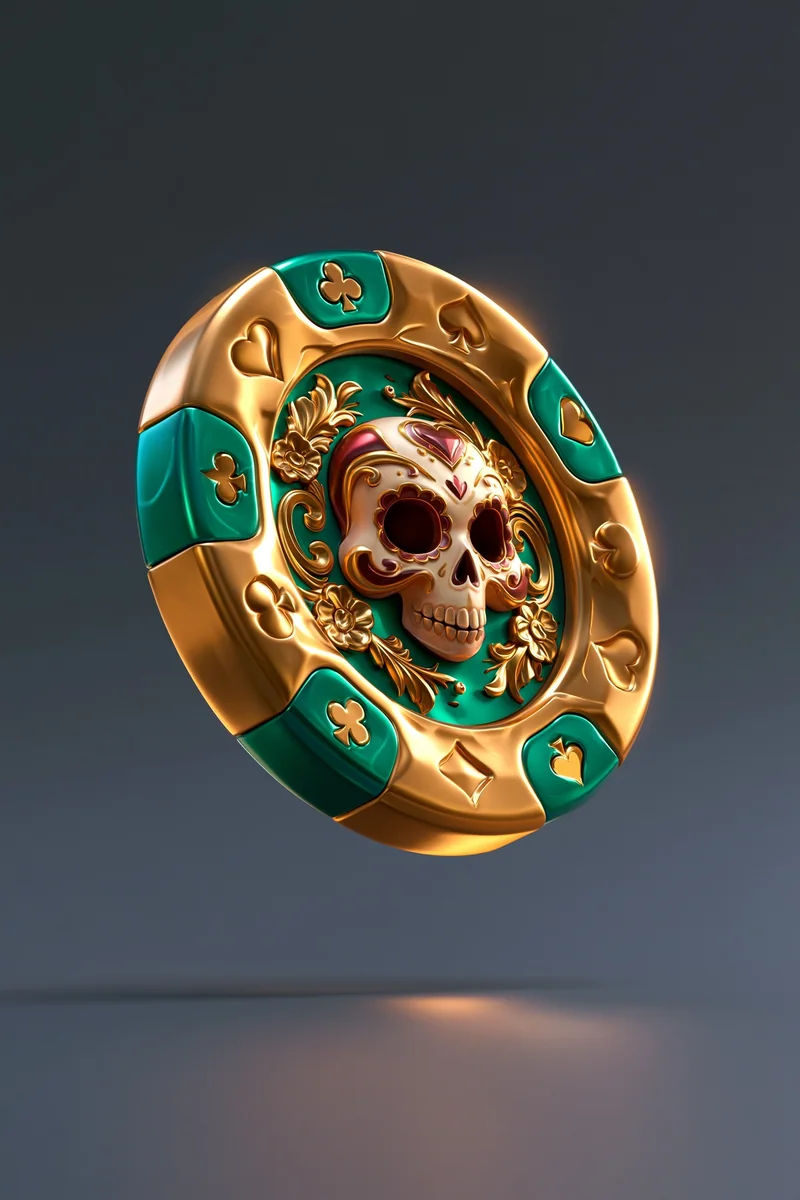
Start with an uploaded image or a PodPlo asset. Compact Center Layout combines the subject and copy in a balanced centered graphic while keeping the source recognizable.
Build a strong centered graphic
Compact Center Layout combines a subject and copy in a dense, balanced shape. A loose source image becomes a strong centered graphic with a clear focal point.
Stack a tall subject and copy
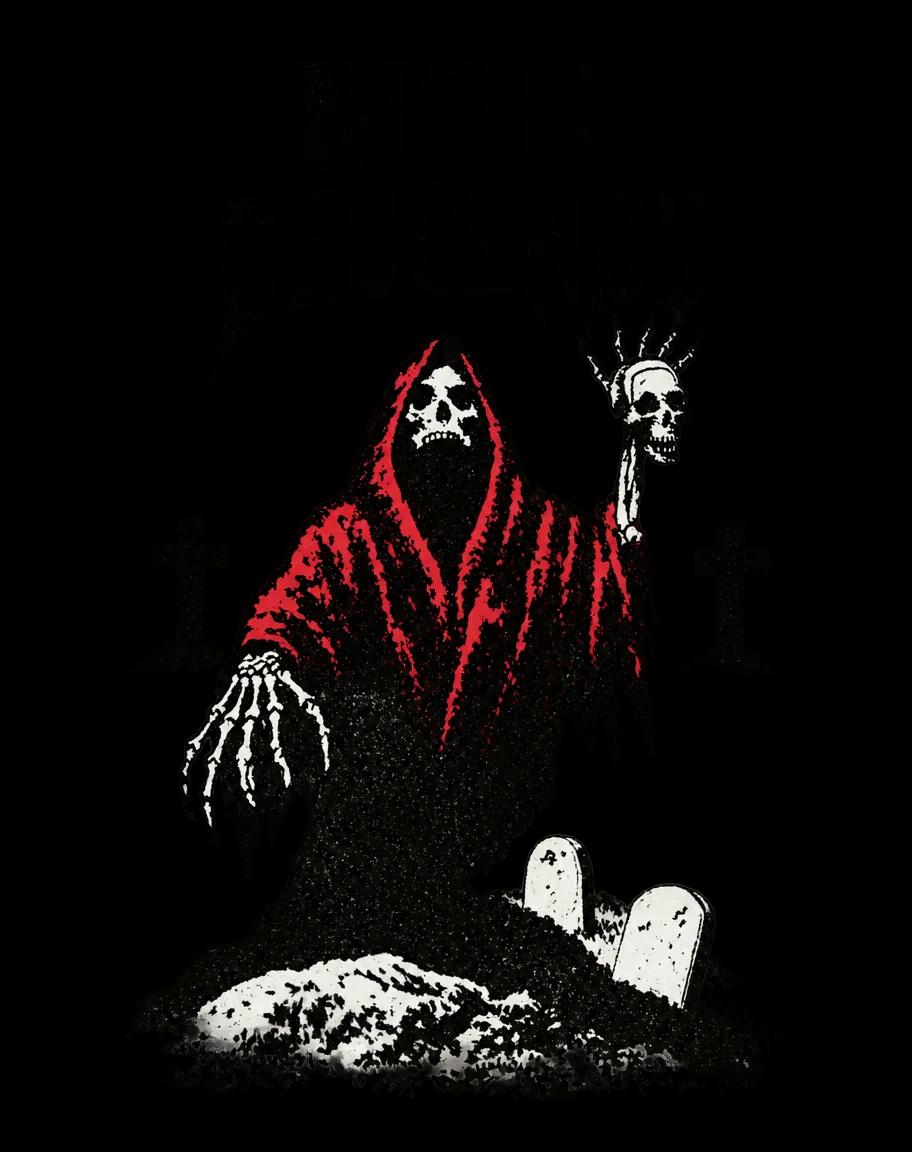
Vertical Stack Layout arranges a tall subject and copy from top to bottom in a clear reading order. The open composition leaves the background visible around the artwork.
Keep the full scene intact
Poster Maker can preserve a complete scene, frame, or texture when the surroundings are part of the design. The result reads as a finished poster rather than an isolated subject.
More Skills to explore
More Skills to explore
4 / 10

Turn one motif into a repeat
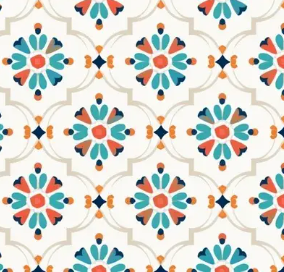
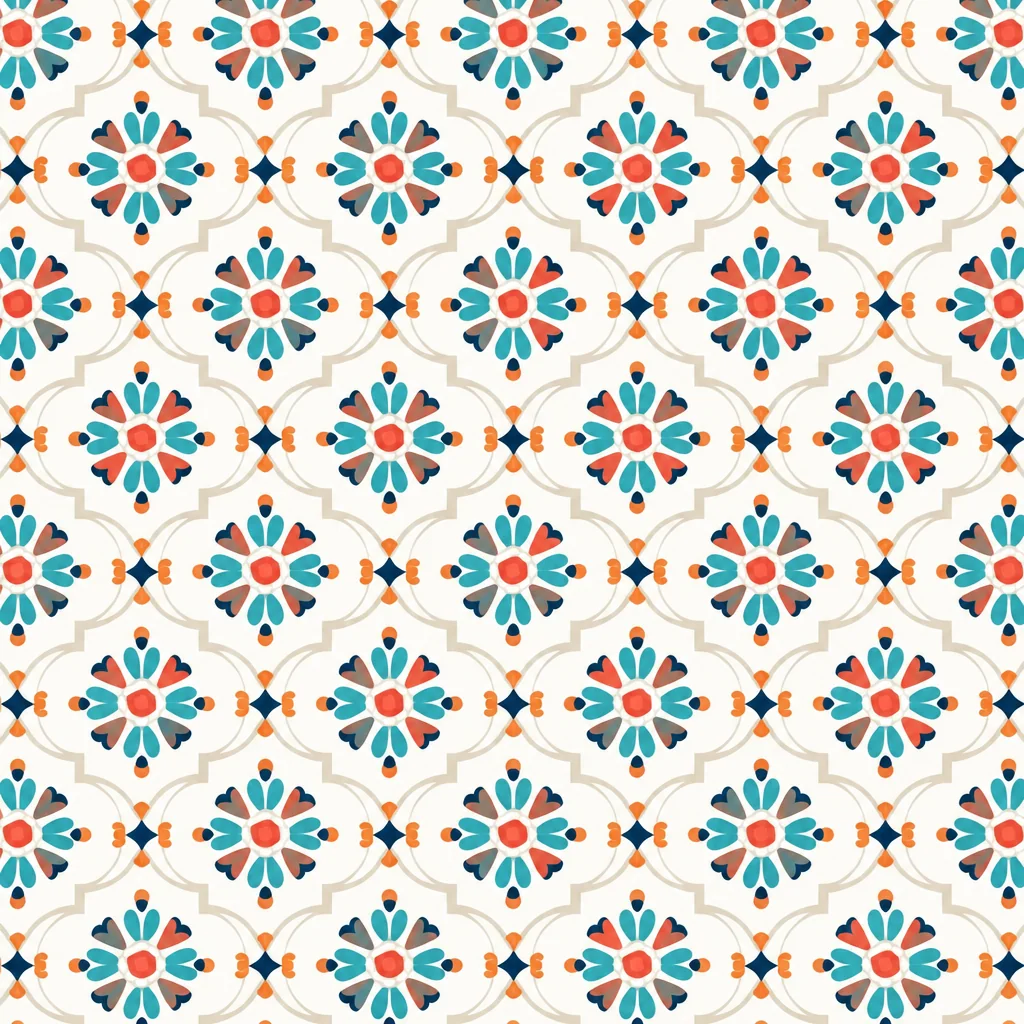
Seamless Pattern turns one small motif into a continuous repeat.
Seamless Pattern repeats one motif with varied spacing, scale, and direction. A flower, icon, or character becomes a continuous pattern while the original shape remains recognizable.
Compare an emblem with an open layout
Circular Badge Layout encloses the artwork and copy in a complete emblem, while Compact Center Layout creates a denser open shape. The same source can feel classic and contained or more energetic and informal.
More Skills to explore
More Skills to explore
4 / 11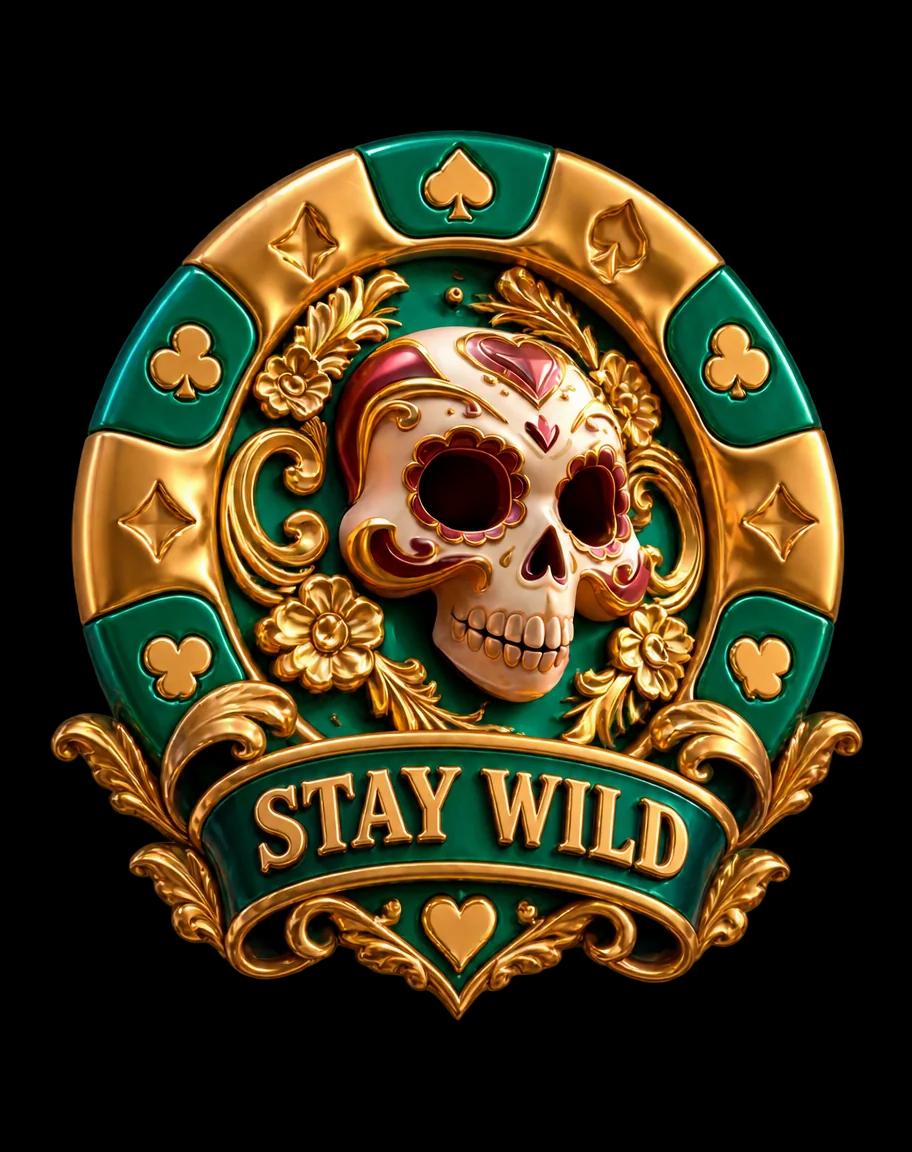
Turn one theme into a graphic set
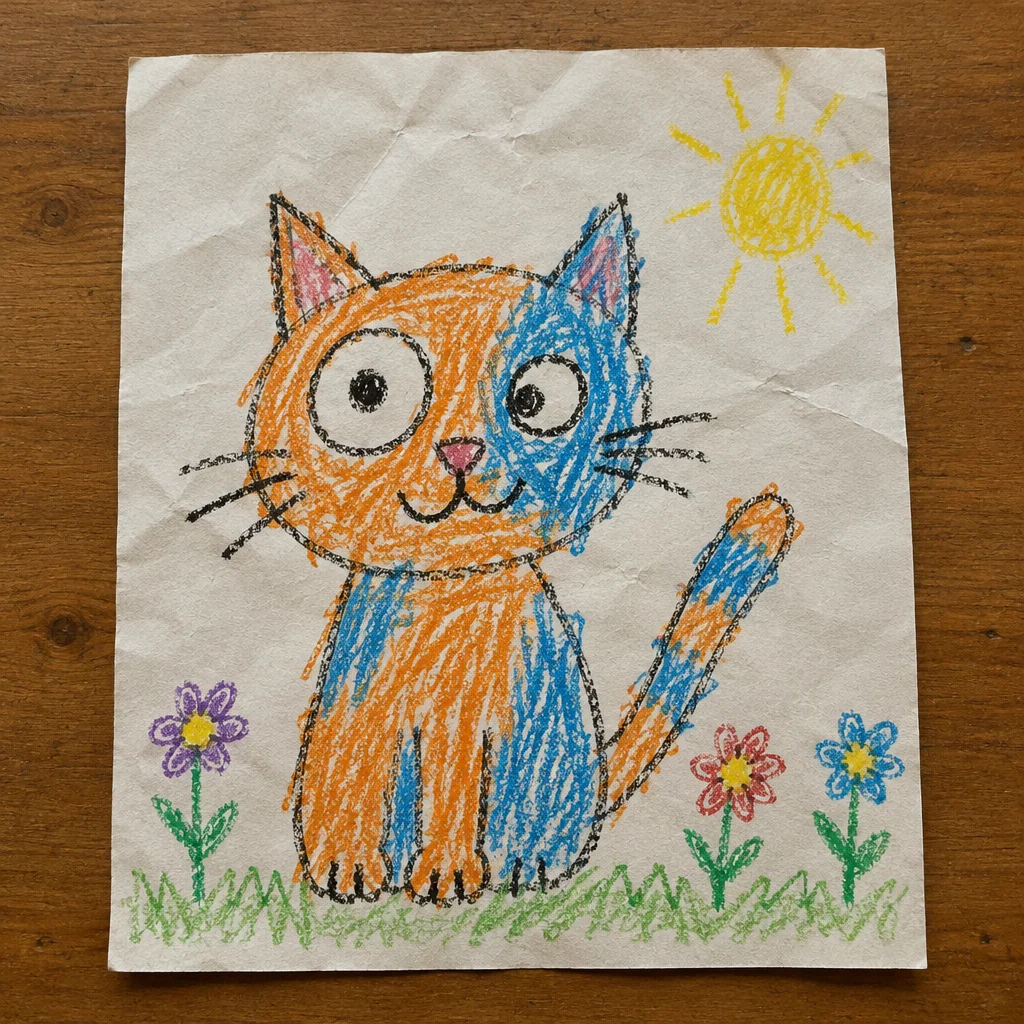
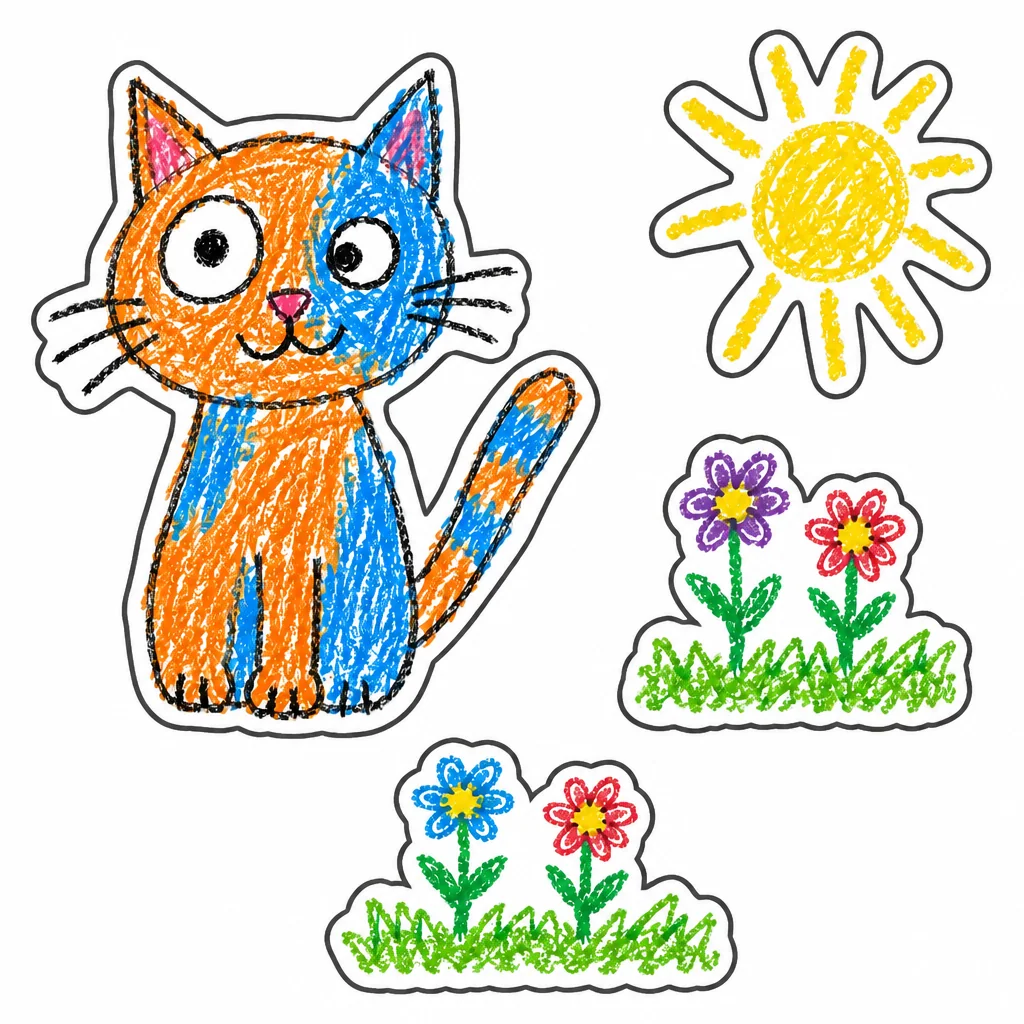
Develop a character or celebration into a matching collection, with each graphic ready to use on its own.
Sticker & Clipart Pack expands a character, hobby, or celebration into several coordinated standalone graphics. Each piece works on its own, and the full set remains visually consistent.
Preview the design in context
Place the selected graphic in a simple product scene to see how color, object shape, and surroundings affect it. The same design can read as bold, understated, playful, or nostalgic in different settings.
More Skills to explore
More Skills to explore
2 / 2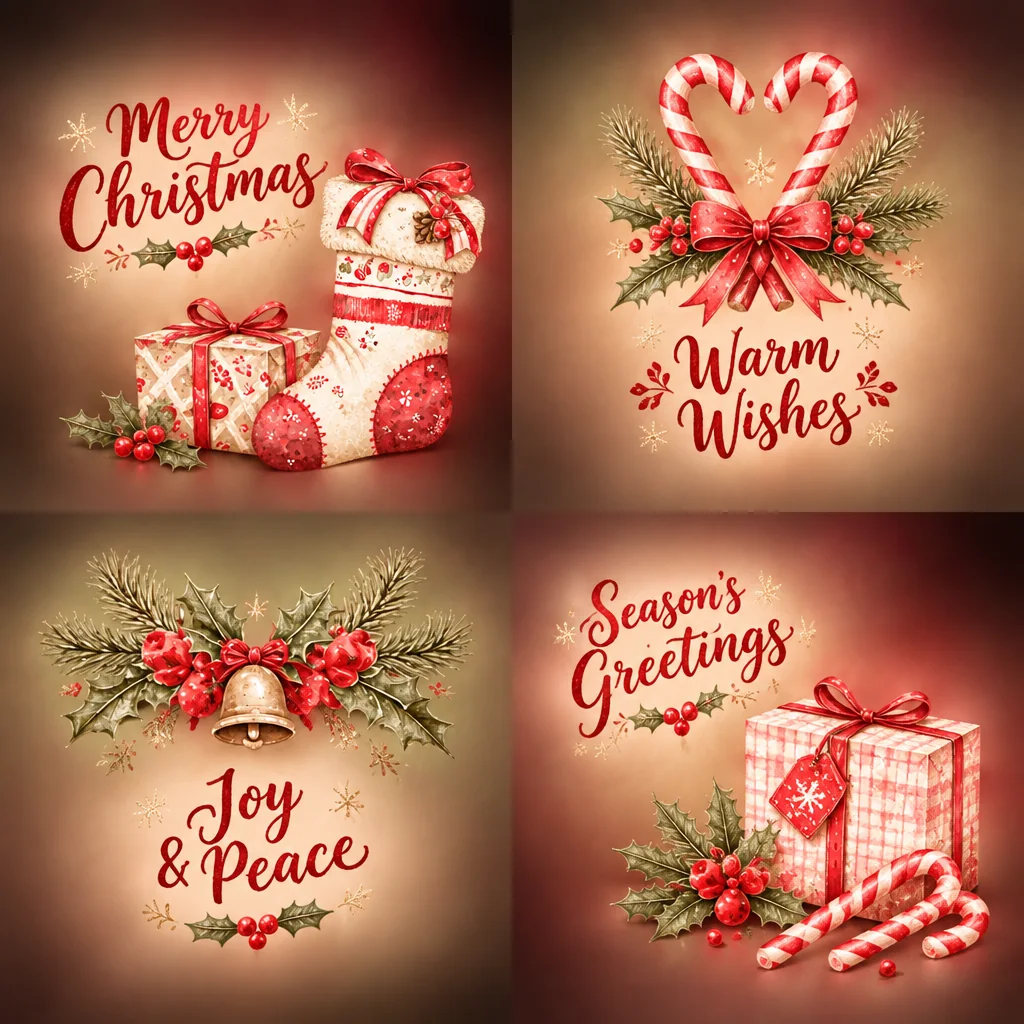
Save a repeatable creative setup
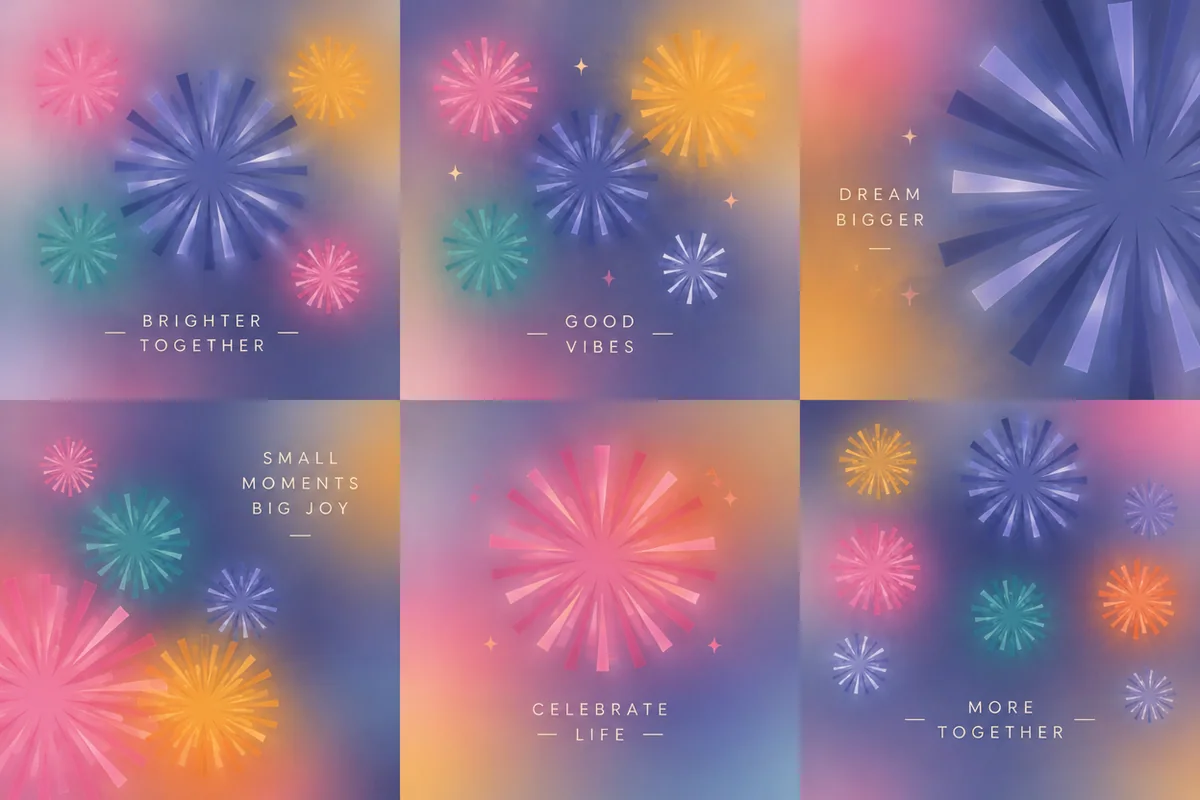
Save the source, Skill, and strongest result so the setup is easy to reuse.
Keep the source, Skill, and strongest result together. This makes it easy to reuse the same setup for a new layout, repeat pattern, seasonal variation, or collection.
Workflow illustration with example inputs and values.